
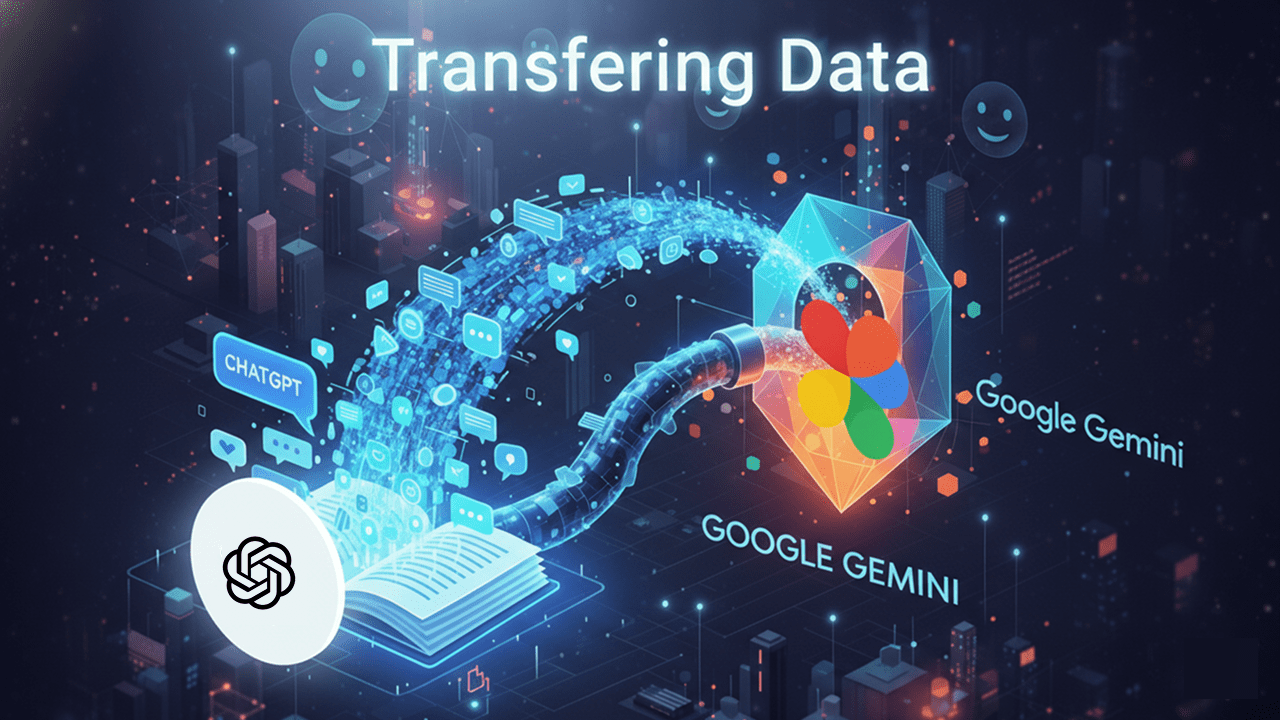
Google is reportedly developing a new feature for its AI chatbot, Gemini, that could allow users to import their conversation history from other platforms like ChatGPT and Claude. This move aims to make switching between AI chatbots seamless while preserving the personalized context of past conversations.
As Gemini gains traction in the AI space, many former ChatGPT users have migrated to Google’s platform. However, one common frustration has been losing conversation history, forcing users to start interactions from scratch. The upcoming “Import AI Chats” feature could address this issue.
Also read: Google Project EAT signals push to turn company into AI-powered workplace
How the ‘Import AI Chats’ Feature Works
The feature, currently in beta, is expected to let users export their chat history from other AI chatbots and continue the conversation within Gemini. By maintaining context, Gemini can provide responses that reflect prior interactions, reducing repetitive input from users.
A leaked screenshot of the feature shows a notice explaining that imported chats will be saved in the user’s Google Activity. This data may also be used to train Google’s AI models:
“Your imported and continued chats are saved in your Activity. This data is used to improve our services (including training generative AI models), and to protect Google, our users and the public. You can manage or delete your activity anytime.”
Steps to Transfer ChatGPT Conversations to Gemini
Based on the leak, users will need to first download their conversation history from platforms like ChatGPT or Claude. The steps for ChatGPT are as follows:
- Open the ChatGPT app or website.
- Click your profile icon in the top-right corner.
- Go to Settings → Data Controls.
- Tap Export data and then select Export.
- Confirm the export on the next screen.
- Open the email from OpenAI containing your data. The link will be valid for 24 hours.
- Download the ZIP file, which contains your chat history in
.htmlformat.
Once the data is downloaded, users can import it into Gemini using the “Import AI Chats” feature. Gemini will then be able to read past conversations and continue them with proper context.
Also read: Google Photos Me Meme Feature Lets Users Create AI-Powered Memes from Selfies
This feature could significantly simplify the transition for users moving from other AI platforms, making Gemini a more attractive alternative in the competitive AI chatbot market.