
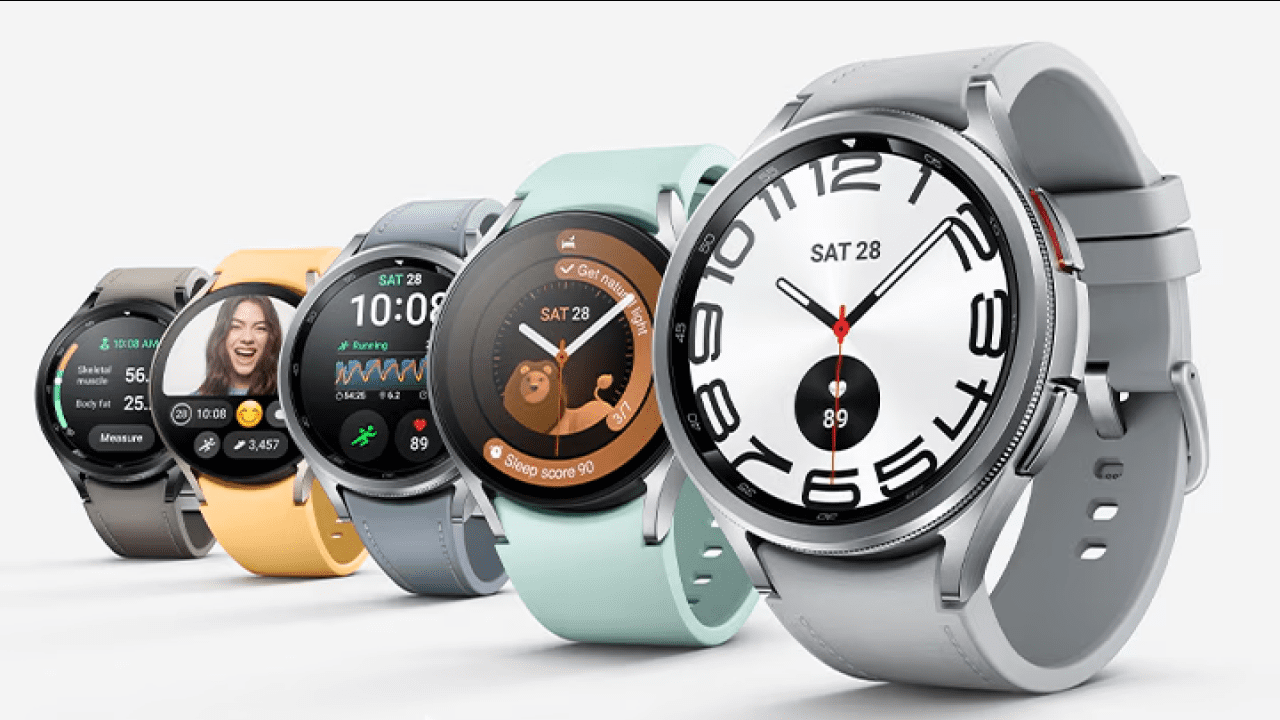
A growing number of Samsung Galaxy Watch battery drain issue complaints have surfaced in recent weeks, with users across multiple models reporting significantly reduced battery life following recent software updates. The problem, widely discussed on community forums like Reddit, appears to affect devices including the Galaxy Watch6, Watch7, Watch8, and the Galaxy Watch Ultra, raising concerns about software stability and background processes on Wear OS-powered devices.
Many users say their smartwatch battery performance has dropped sharply without any change in usage patterns. In several cases, battery life that previously lasted up to four days now struggles to reach two days. While the issue is not yet officially acknowledged by Samsung or Google, mounting user reports suggest a common culprit, abnormal behavior from Google Play Services, a core system component responsible for syncing, location tracking, and app-related background activity.
Also read: NASA Artemis Watch 2.0 Brings Coding and Space Tech to Your Wrist Amid Artemis II Buzz
Widespread Reports Point to Google Play Services
Across multiple user discussions, Google Play Services consistently emerges as the primary suspect behind the sudden battery drain. In many cases, users report the service consuming more than 10% of total battery usage an unusually high figure for a background process.
Some users have observed that restarting their watch temporarily reduces this consumption, bringing it down to around 5–6%. However, the improvement is often short-lived, with battery drain returning after a few hours or days. Others have encountered additional anomalies, such as missing or incomplete battery usage statistics, making it harder to diagnose the issue.
Interestingly, not all affected users had recently installed updates. This has led to speculation that the issue may be tied to a server-side change or an automatic update to Google Play Services running in the background, rather than a traditional firmware update pushed by Samsung.
Inconsistent Behavior Complicates Diagnosis
One of the most puzzling aspects of the issue is its inconsistency. While some users report immediate relief after a simple restart, others see no improvement even after performing more drastic measures such as clearing cache, deleting app data, or fully resetting their device.
In certain cases, a factory reset appears to resolve the issue temporarily, suggesting that corrupted system data or background processes may be involved. However, the lack of a reliable, repeatable fix indicates that the root cause is likely deeper within the software ecosystem.
Adding to the confusion, a small number of users claim that despite alarming battery usage statistics, their real-world battery performance has not changed significantly. This raises the possibility that the issue could partly stem from a reporting glitch in the battery usage interface, rather than purely excessive power consumption.
Why This Matters
Smartwatch battery life is a critical factor for users, especially for devices designed to track health metrics, notifications, and daily activity continuously. A sudden and unexplained drop in battery performance undermines user trust and usability.
The situation also highlights the complexity of modern smartwatch ecosystems, where core services like Google Play Services operate across multiple devices and can be updated independently of system firmware. This interconnected structure means that even minor backend changes can have widespread and unpredictable effects.
For Samsung, which has positioned its Galaxy Watch lineup as a leading alternative to other wearable platforms, prolonged issues like this could impact user satisfaction and brand perception particularly if a fix is delayed.
What Happens Next
At the time of writing, neither Samsung nor Google has issued an official statement addressing the battery drain issue. Given that the problem appears to span multiple device generations and may involve Google Play Services, a coordinated fix between the two companies is likely required.
If the issue is server-side, a silent backend update could resolve it without user intervention. Alternatively, a future software patch or Play Services update may be needed to address the abnormal behavior.
In the meantime, users experiencing the issue can try several temporary measures:
- Restarting the smartwatch to reduce background activity spikes
- Clearing cache and storage for Google Play Services
- Performing a factory reset as a last resort
However, these steps offer inconsistent results and are not guaranteed solutions.
Background Context
Battery-related issues are not uncommon in wearable devices, particularly following major updates or changes to system services. Google Play Services, while essential for app functionality, has historically been linked to battery drain problems on both smartphones and wearables when misconfigured or updated improperly.
What makes this case notable is its cross-device impact, affecting both older and newer Galaxy Watch models. This suggests the issue is not hardware-specific but instead tied to shared software infrastructure.
For now, the scale of the problem remains unclear. Reports are primarily limited to online forums, and it is unknown how many users are affected globally. Still, the consistency of complaints indicates that the issue is more than isolated incidents.
Until an official fix is released, Galaxy Watch users may need to rely on temporary workarounds and patience.